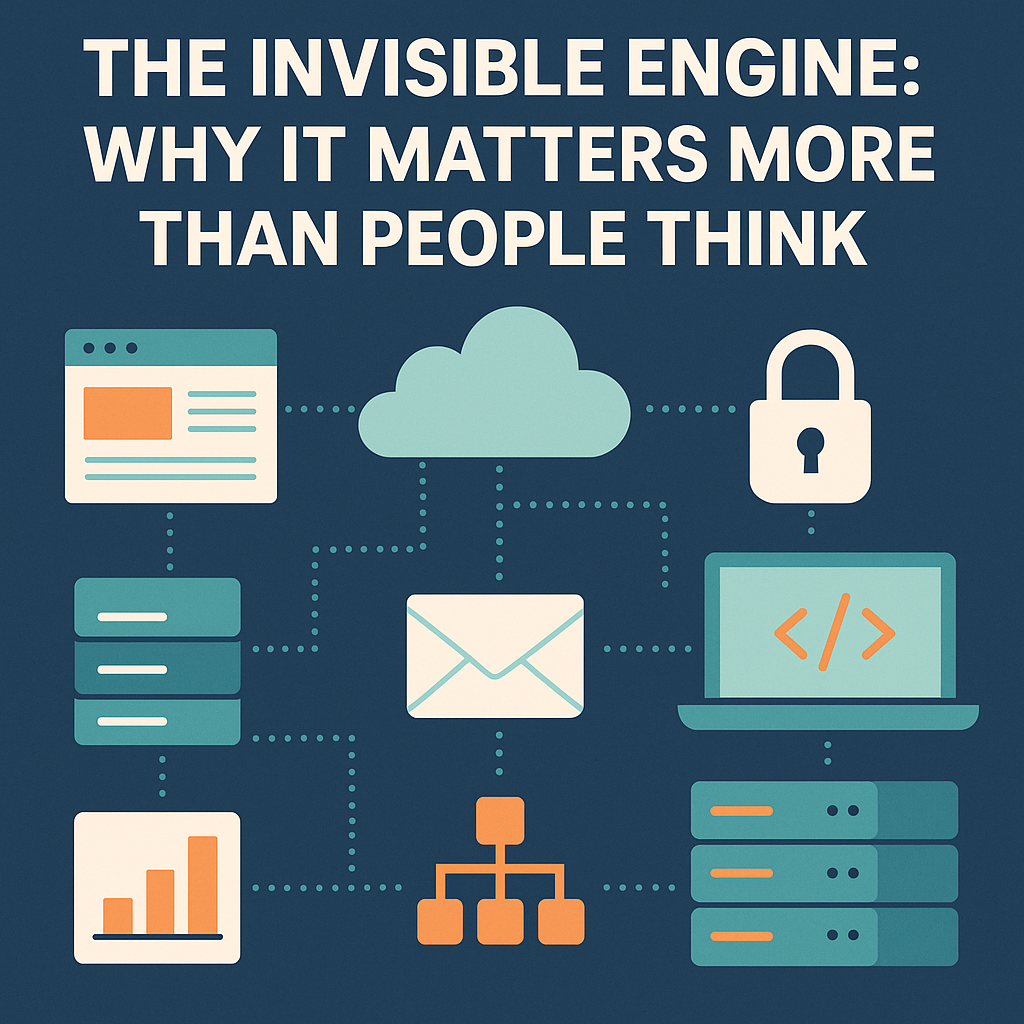
In many companies—especially small businesses—small business IT support is treated like a cost center, something that doesn’t directly generate revenue. But anyone who’s worked in IT knows that nothing could be further from the truth.
Yes, IT may not be selling a product or closing deals. We’re not out there writing invoices or directly bringing in revenue. But what IT does is enable everything and everyone else to do those things.
And without that behind-the-scenes work, the revenue-generating teams don’t generate much of anything.
Uptime is revenue. Reliability is revenue.
Think about what happens when:
- The website goes down for an hour.
- Email stops syncing.
- A server stalls during payroll.
- A shared folder stops cooperating.
- A VPN glitch locks field teams out of their tools.
None of those things “sell” anything.
But every one of them kills productivity, kills trust, and in many cases kills revenue faster than anything else.
A recent CompTIA IT Industry Outlook report shows that small businesses lose significant revenue every year due to downtime and preventable IT failures.
IT’s job is to make these invisible systems work so well that people forget how much depends on them.
How Small Business IT Support Helps the People Who Create Revenue
Sales can’t close deals without:
- functioning CRM
- working phones and email
- properly set-up devices
- secure access to files
- a website that loads in under a second
- forms that actually submit
- software that doesn’t freeze mid-demo
The office can’t bill clients without:
- servers that stay online
- solid backups
- stable networks
- reliable data systems
Operations can’t operate without:
- secure remote access
- software that works in the field
- devices configured correctly
- credentials managed properly
IT is indirect revenue because it ensures every other team can perform at full speed.
Why Security Matters in Small Business IT Support
One security breach can cost more:
- in downtime
- in ransom
- in legal fees
- in PR damage
- in lost trust
…than an entire IT department costs for multiple years.
A good IT person prevents disasters the business never even knew were coming.
And ironically, when IT does its job perfectly — nothing happens.
No drama. No breach. No outage.
Just smooth sailing.
The website is a salesperson that works 24/7
Even for small businesses, your website is often the first impression.
IT builds it, maintains it, optimizes it, and keeps it online.
A website brings in:
- leads
- customers
- credibility
- brand recognition
But none of that happens without the quiet IT work underneath it.
Efficiency = profit
Good IT:
- reduces wasted time
- automates tasks
- simplifies processes
- cuts repetitive headaches
- fixes bottlenecks
- prevents errors
- speeds everything up
Every hour an employee doesn’t waste fighting technology is an hour they can put toward work that actually matters.
Multiply that across a year?
That is revenue.
How Small Business IT Support Drives Revenue Indirectly
Small business IT support isn’t usually thought of as a revenue driver, but it quietly keeps the entire machine running. When systems stay online, files sync properly, devices behave, and security issues never reach the surface, teams get to focus on the work that actually earns money. Reliable IT reduces downtime, prevents costly mistakes, and keeps operations flowing smoothly — all without drawing attention to itself. And while it may not show up on a monthly sales report, its impact is seen in every efficient process and every hour saved.
IT is the backbone, not the backroom
The truth is simple:
IT doesn’t just support the business — IT enables the business.
It keeps things running, keeps people productive, keeps data safe, keeps money flowing, and keeps customers connected.
It may not always get the spotlight, but without it, the show doesn’t go on.
And if you’re a small business that feels this gap — whether it’s unreliable systems, no real IT strategy, or simply needing someone to keep things steady in the background — I quietly do this work for a living.
I’m not looking to take on a huge roster, but I may open space for one or two more companies who want the peace of mind that comes from having their tech handled properly.
If that kind of support would make your life easier, reach out. No pressure — just a conversation.
If you ever need help with your small business IT support, feel free to reach out through my contact page.